



How to pick a power supply for your application requires understanding voltage, current, efficiency, and environmental requirements. From display technology to military aircraft, selecting the right power supply unit (PSU) is crucial for system reliability and safety. A power supply that doesn’t meet its application’s demands could become damaged or cause damage to connected equipment—potentially resulting in costly downtime or mission failure.
This guide walks through the key considerations when selecting power supplies for industrial, military, and commercial use. As you learn how to pick a power supply, you’ll need to match the unit to the demands of your installation, including required voltage, wattage, environmental protection, and regulatory compliance.
Knowing how to choose a power supply requires understanding how power supplies work and your application’s specific demands. Whether you’re selecting power supplies for commercial equipment or mission-critical military systems, take time to assess what your PSU needs to meet the following criteria.
When you pick a power supply, voltage compatibility is the most critical specification. Identify what voltage requirements your PSU will need based on the equipment you plan to connect. Find both input and output voltages, which can vary depending on your application. If you need input voltages outside the typical options, you may want to look at custom power supplies.
When connecting a power source to the PSU’s input connector, it must be within the specified range or else it could cause your power supply to fail. Common input voltage ranges include:
Note that if you mismatch your output voltage, you might damage the equipment connected to the power supply, which is especially concerning for sensitive or expensive components. Leave some margin for your output current requirements, so you can upgrade equipment in the future if needed and accommodate minor changes in power demand. Be careful not to add too much capacity—as this could negatively affect the PSU’s efficiency.
Your power supply needs a sweet spot for wattage. While too much wattage can decrease efficiency during non-intensive use, not enough wattage won’t adequately support the system. As a result, an overpowered system’s reduced efficiency can cause more heat generation and power consumption, and an underpowered system could damage equipment or cause shutdowns.
How to pick a power supply with the right wattage:
Choose a power supply with a wattage slightly larger than what the system needs to run so that it can power equipment even on heavier-than-normal loads. Browse our high-voltage power supplies for applications requiring significant power delivery.
Depending on how and where you’ll use your power supply, you’ll likely need one with certain characteristics to ensure an optimal operating environment. Environmental factors significantly influence how to pick a power supply for your specific installation. Consider what your power supply may need to address:
Many applications have certain demands beyond steady power delivery. Understanding how to pick a power supply for specialized applications requires evaluating these advanced features:
Factors like your budget, environment, security, and interference requirements will influence which features are appropriate for the installation. Explore our application-specific power supplies for avionics, vetronics, and maritime systems.
A high-efficiency unit can reduce power consumption and heat generation. An efficiency rating refers to how much of the input wattage gets delivered as power. A power supply with 90% efficiency would offer 90% of its input wattage as power, while the extra 10% gets lost mostly as heat.
Consumer-grade power supplies often use 80 PLUS ratings, which offer a minimum of 80% efficiency. More sophisticated PSUs benefit from higher efficiency ratings of at least 90%. By reducing heat loss, larger, power-hungry applications can significantly reduce costs and improve equipment life.
Low-quality power supplies might be affordable at first, but the potential problems from skimping on quality can significantly increase costs and put mission-critical operations at risk. Ensure your power supply meets or exceeds strict quality specifications, such as military standards and standards from the International Organization for Standardization (ISO). Only work with a transparent supplier that uses robust quality management and training.
Key standards to consider when selecting power supplies:
Learn about our quality standards and certifications for military-grade power supplies.
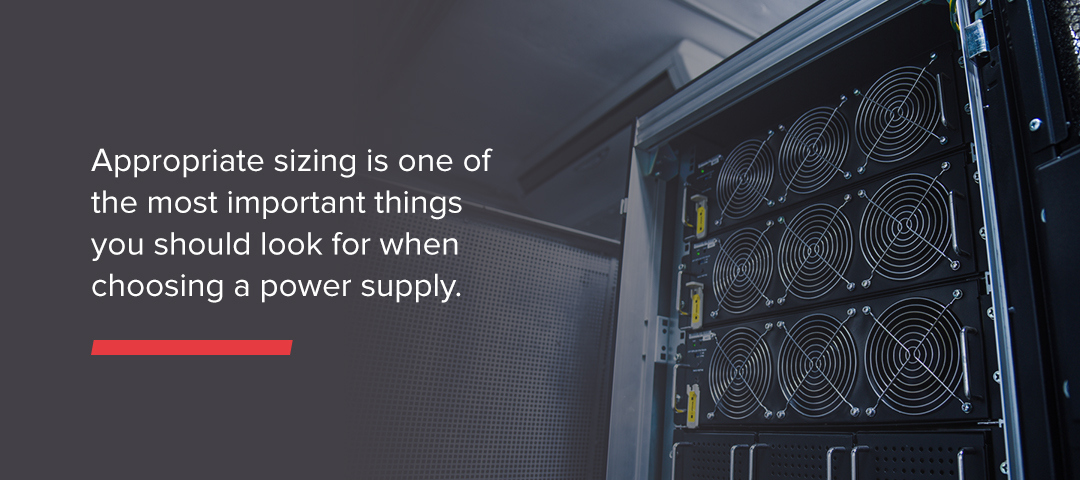
Appropriate sizing is one of the most important factors in how to pick a power supply. Some components consume more power than others, so wattage requirements vary widely. To find the right size, you’ll need to perform some calculations:
Remember to size slightly above the number you get to account for future upgrades or increased demands. Add about 20% to the load you calculated. If you anticipate fast growth or other business changes, you may want to get a PSU with higher power capacity.
Once you know your total VA requirements, search for a power supply that meets the rating. If you can’t find an off-the-shelf power supply with the right size or characteristics for your application, consider a custom solution.
Input Requirements:
Output Requirements:
Environmental Conditions:
Mechanical Requirements:
Standards and Certifications:
Special Features:
Budget and Logistics:
Whether you’re sourcing power supplies for a single project or multiple applications, this comprehensive checklist ensures you don’t overlook critical specifications.
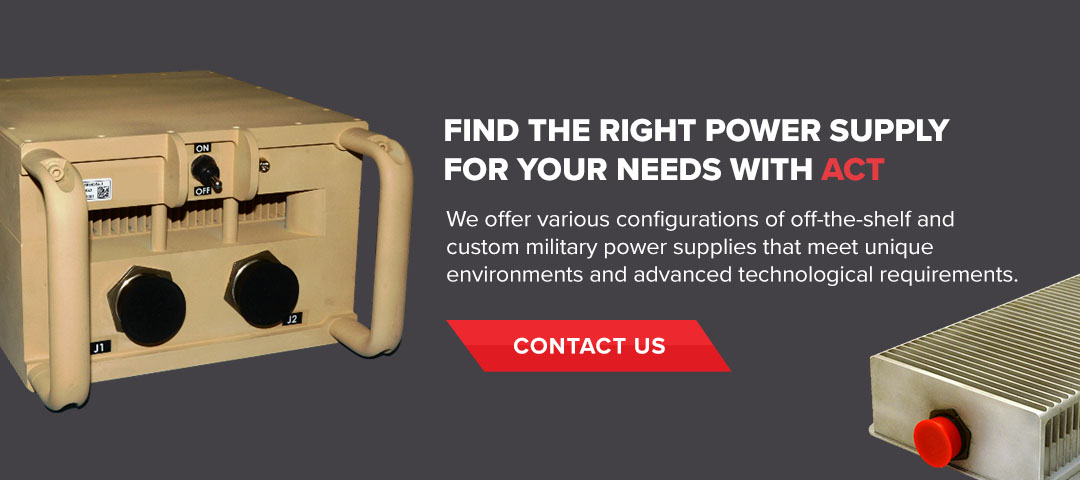
At Advanced Conversion Technology (ACT), we specialize in building rugged power supplies for the most demanding industries and applications. We offer various configurations of off-the-shelf and custom military power supplies that meet unique environments and advanced technological requirements. With over 40 years of experience and unmatched quality control standards, ACT brings dependable power supplies to the military and other high-performing industries.
Reach out to our experienced team today for help picking the right power supply. If you already know your specifications, submit a product request, and we’ll get back to you shortly.